

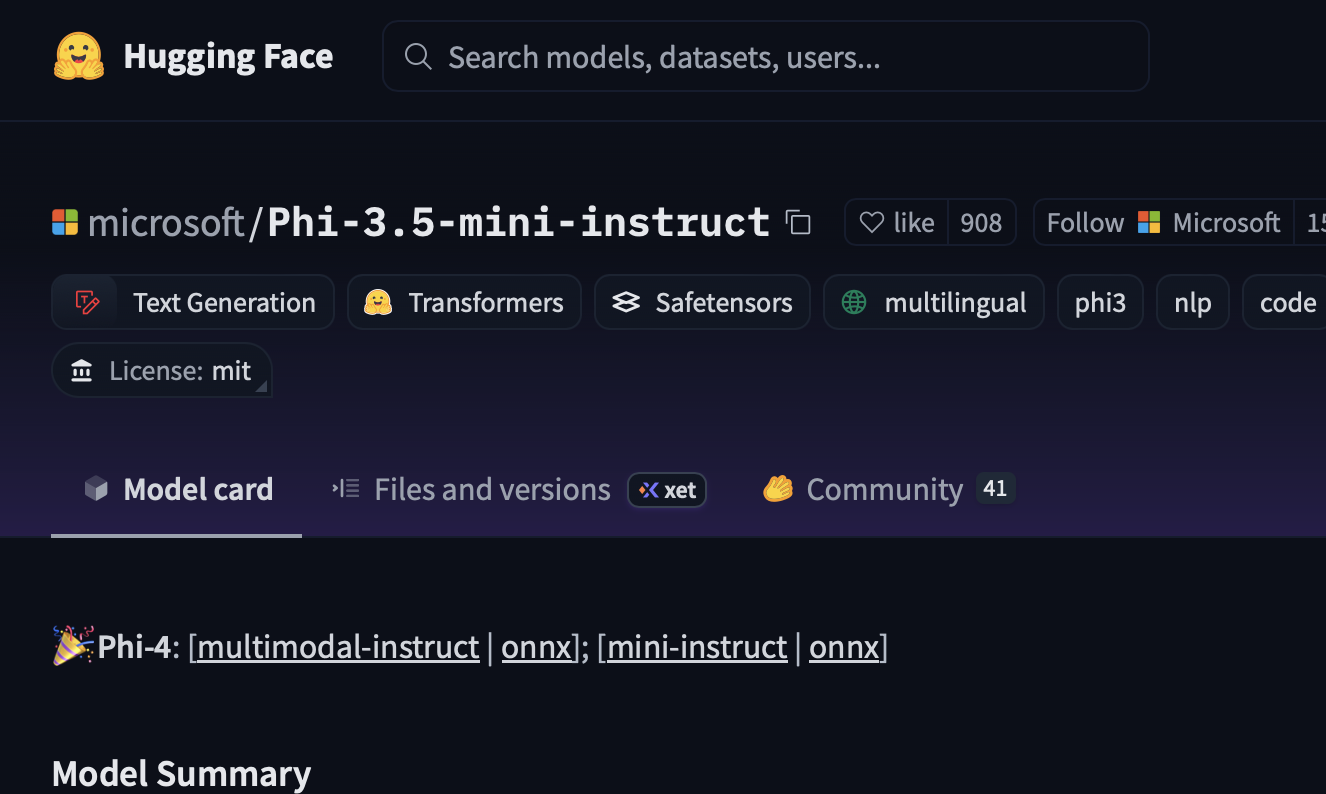
The hype machine says you need a trillion parameters and a hyperscale data center to build an “AI agent.” Wrong!!!! Just ask these really smart folks that wrote a recent paper titled Small Language Models are the Future of Agentic AI. What you really need is a small model that knows how to keep its JSON clean. Enter Phi-3.5, Microsoft’s small but dangerous language model. It is cheap, compact, and it runs just fine on a consumer GPU. With a little fine-tuning, it stops pretending to be a poet and starts behaving like an obedient API router.
WHY STRUCTURE MATTERS
Most of what so-called “agents” do is boring: fill in a form, call an API, update a record, spit out a SQL query. None of this requires Shakespearean prose. It requires consistency. If the model hallucinates a bracket, your workflow dies. If it invents a new schema, your whole system breaks.
Structured fine-tuning means the model speaks your dialect:
- “Give me Q3 sales” → {“quarter”:”Q3″,”metric”:”sales”}
- “Add Alice to Hydra” →{“action”:”add_user”,”user”:”Alice”,”project”:”Hydra”}
No extra words. No side chatter. Just structure.
HOW TO DO IT
Collect your crumbs
Every log file, every prompt, every output from your system is gold. That is your dataset.
Normalize the mess
Replace sensitive data with placeholders. Enforce canonical JSON formatting. Garbage in equals garbage out.
Package as instruction → response
<|system|You are an API Agent that returns JSON<|end|>
<|user|>Get user by email alice@example.com<|end|>
<|assistant|>{"action":"get_user","email":"alice@example.com"}<|end|>
Fine-tune with adapters
Use LoRA or QLoRA. You do not need racks of GPUs. Overnight training on
one decent card is enough.
Evaluate brutally
- Percent of outputs that parse as JSON.
- Percent that match your schema.
- Percent that actually work with your tools.
WHY PHI-3.5?
Because it is small and mean.
- Cost: Train without burning a fortune.
- Capability: Outperforms older 30–70B models at reasoning.
- Composable: Drop it into a larger multi-agent system or run it solo on
your laptop.
THE REAL POINT
Fine-tuning Phi-3.5 on structured data is not just engineering. It is resistance. You do not have to worship at the altar of trillion-parameter clouds. You can build your own specialized models, keep them local, and own the stack.
Think of it like a zine. Raw, specific, distributed. Not a glossy magazine funded by ad money, but a stapled packet passed hand-to-hand that says: “Here’s how we do it.”
Stop waiting for generalist AIs to guess your schema. Teach your own model the language of your system.
Install the Dependancies
python -m venv venv
source venv/bin/activate
pip install torch torchvision torchaudio --extra-index-url https://download.pytorch.org/whl/cu129
pip install -i https://pypi.org/simple/ bitsandbytes
pip install peft transformers trl datasets
pip install flash-attn --no-build-isolation
Download Phi-3.5
mkdir models
cd models
git lfs clone https://huggingface.co/microsoft/Phi-3.5-mini-instruct
Run the Code
This code is mostly from https://huggingface.co/microsoft/Phi-3.5-mini-instruct/ but streamlined without all the weird shit. This is how I trained the models for https://infinitebaseball.ai
import sys
import logging
import datasets
from datasets import load_dataset
from peft import LoraConfig
import torch
import transformers
from trl import SFTTrainer, SFTConfig
from transformers import (
    AutoModelForCausalLM,
    AutoTokenizer,
    TrainingArguments,
    BitsAndBytesConfig,
)

"""
1. Install dependencies:
    python -m venv venv
    source venv/bin/activate
    pip install torch torchvision torchaudio --extra-index-url https://download.pytorch.org/whl/cu129
    pip install -i https://pypi.org/simple/ bitsandbytes
    pip install peft transformers trl datasets
    pip install flash-attn --no-build-isolation
"""

logger = logging.getLogger(__name__)

YOUR_LORA_NAME_GOES_HERE = "name_of_your_lora"


###################
# Hyper-parameters
###################
training_config = {
    "bf16": True,
    "do_eval": False,
    "learning_rate": 5.0e-06,
    "log_level": "info",
    "logging_steps": 200,
    "logging_strategy": "steps",
    "lr_scheduler_type": "cosine",
    "num_train_epochs": 5,
    "max_steps": -1,
    "output_dir": f"./models/Phi-3.5-{YOUR_LORA_NAME_GOES_HERE}",
    "overwrite_output_dir": True,
    "per_device_eval_batch_size": 4,
    "per_device_train_batch_size": 8,
    "remove_unused_columns": True,
    "save_steps": 1000,
    "save_total_limit": 3,
    "seed": 0,
    "gradient_checkpointing": True,
    "gradient_checkpointing_kwargs": {"use_reentrant": False},
    "gradient_accumulation_steps": 1,
    "warmup_ratio": 0.2,
    "dataset_text_field": "text",
}

peft_config = {
    "r": 16,
    "lora_alpha": 32,
    "lora_dropout": 0.05,
    "bias": "none",
    "task_type": "CAUSAL_LM",
    "target_modules": "all-linear",
    "modules_to_save": None,
}
train_conf = SFTConfig(**training_config)
peft_conf = LoraConfig(**peft_config)

###############
# Setup logging
###############
logging.basicConfig(
    format="%(asctime)s - %(levelname)s - %(name)s - %(message)s",
    datefmt="%Y-%m-%d %H:%M:%S",
    handlers=[logging.StreamHandler(sys.stdout)],
)
log_level = train_conf.get_process_log_level()
logger.setLevel(log_level)
datasets.utils.logging.set_verbosity(log_level)
transformers.utils.logging.set_verbosity(log_level)
transformers.utils.logging.enable_default_handler()
transformers.utils.logging.enable_explicit_format()

# Log on each process a small summary
logger.warning(
    f"Process rank: {train_conf.local_rank}, device: {train_conf.device}, n_gpu: {train_conf.n_gpu}"
    + f" distributed training: {bool(train_conf.local_rank != -1)}, 16-bits training: {train_conf.fp16}"
)
logger.info(f"Training/evaluation parameters {train_conf}")
logger.info(f"PEFT parameters {peft_conf}")


################
# Model Loading
################

checkpoint_path = "./models/Phi-3.5-mini-instruct"

model_kwargs = dict(
    use_cache=False,
    trust_remote_code=True,
    attn_implementation="flash_attention_2",  # loading the model with flash-attenstion support
    torch_dtype=torch.bfloat16,
    device_map=None,
)

model = AutoModelForCausalLM.from_pretrained(checkpoint_path, **model_kwargs).to("cuda")
tokenizer = AutoTokenizer.from_pretrained(checkpoint_path)
tokenizer.pad_token = (
    tokenizer.unk_token
)  # use unk rather than eos token to prevent endless generation
tokenizer.pad_token_id = tokenizer.convert_tokens_to_ids(tokenizer.pad_token)
tokenizer.padding_side = "left"


##################
# Data Processing
##################

training_dataset = load_dataset(
    "json",
    data_files="./data/YOUR_STRUCTURED_DATA.json",
    field="train",
    split="all",
)
test_dataset = load_dataset(
    "json",
    data_files="./data/YOUR_STRUCTURED_DATA.json",
    field="test",
    split="all",
)
###########
# You can use this function to format your raw data into the expected chat # format if you don't preprocess your data
###########
def formatting_prompts_func(example):
    return example["text"]


###########
# Training
###########
trainer = SFTTrainer(
    model=model,
    args=train_conf,
    peft_config=peft_conf,
    train_dataset=training_dataset,
    eval_dataset=test_dataset,
    processing_class=tokenizer,
    formatting_func=formatting_prompts_func,
)

train_result = trainer.train()
metrics = train_result.metrics
trainer.log_metrics("train", metrics)
trainer.save_metrics("train", metrics)
trainer.save_state()

# ############
# # Save model
# ############
trainer.save_model(train_conf.output_dir)